Homelab DNS: Ad-blocking and Redundancy
Into the Adblock
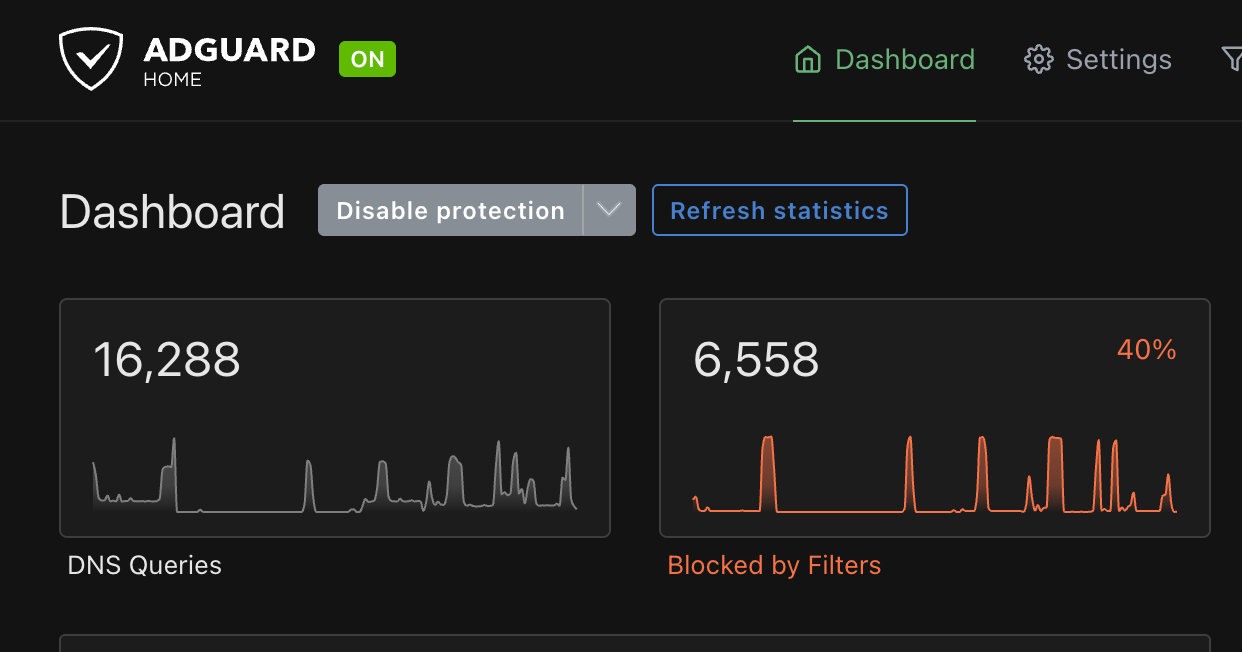
DNS-wide Ad-blockers are one of those funny things.
For those who don’t know, it’s essentially a DNS server such as AdGuard Home or Pi-hole that you can point your router or client device at to block Ads or unwanted websites before they even reach your device.
I’ve heard (and have had) very mixed experiences with them. The plus side of them compared to client-side ones is generally that you only have to set up a single Ad-blocker, and every device in your network is now (mostly) Ad-free. This includes devices that don’t typically have Ad-blockers built into them like e-readers, obscure tablets, gaming devices, and even your significant other’s phone. I’ve also found that websites seem to be less “clunky” than they are with client-side Ad-blockers. It’s more of just a feeling, but things really do seem like they resolve faster.
The downside of this also being, it’s a little bit more cumbersome to debug things. For example, I had to remove some Nintendo servers from my blocklist as my Switch was unable to access them. I’ve also been to someone’s house where Steam was unintentionally blocked by Pi-hole. Not that I’m throwing any parties here, but definitely not something I want to enforce to any guests over.
Middle Ground
Essentially, what I’ve been doing at home is pointing most of my UniFi VLANs at it, except my main and guest ones. I know UniFi has a built-in Ad-blocker, but I’ve only recently started getting into the UniFi ecosystem. I originally was trying to do some wacky stuff with Tailscale, which made more sense to have it not on my main UniFi router. Plus, it wouldn’t be a homelab without a little needless overcomplication.
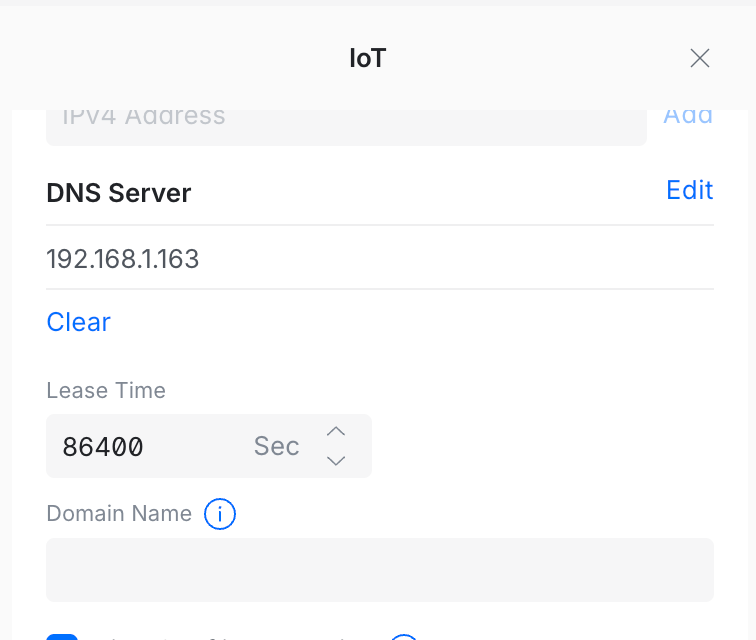
The AdGuard Home service runs on my “beacon” box running NixOS. The idea is that it hosts my essential services such as Home Assistant and is a little more stable than the other parts of my homelab.
DNS Down
Despite this, I still have to reboot the box sometimes! I had a rude awakening when I instinctively rebooted it and realized I couldn’t access one device from another until it came back up. DNS is critical! I needed a secondary DNS server, something I didn’t anticipate I would need.
Luckily, there’s just the project available to help simplify this!
Adguardhome-sync
Adguardhome-sync is a fun little project that I’ve known about for a few years but never actually had the chance to spin up. Essentially, it does exactly what it sets out to do, syncs one AdGuard Home instance to multiple “replicas”. The entire application is able to be configured with environment variables, runs in a container, and even looks like it’s able to run on a variety of operating systems, including Windows.
There’s an official container and a LinuxServer.io one. I’m sure both are fine, but I went with the official one because of the documented environment variable configuration.
One thing I particularly liked about this is that, if set up correctly, the new replica is simply plug-and-play. This is something that clicked with me on accident honestly. I was bringing up and down the VM as I made sure that the guide I was writing was accurate starting from a fresh install. I then found out that if it’s pulling from a primary AdGuard Home instance, it looks like I can really just start it up with a clean volume as much as I need to without any additional configuration.
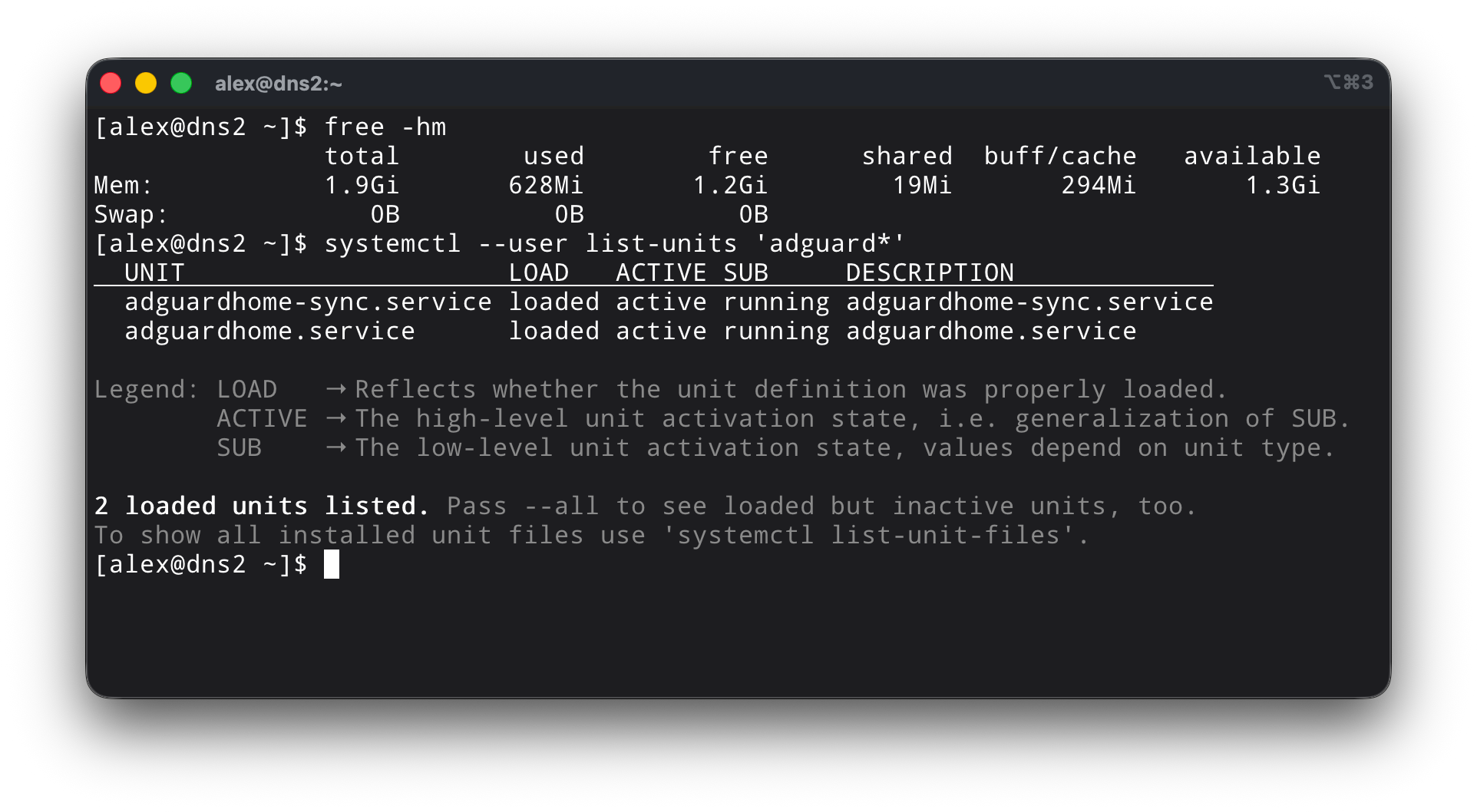
Wish I had more to say on it, but the project itself is well documented. I spun up a 2 vCPU, 2GiB memory EL10 VM (possibly overkill for this), and had both services spun up within the hour. I simply just added the new DNS servers to UniFi, and now I have a redundant DNS server in case my main machine goes down. Perhaps I may even add a third? The possibilities are endless!
The Future
A big part of this is that I’m working on a presentation on containers geared towards beginner/intermediate Linux users, and felt like AdGuard Home itself was a solid choice for something someone might want to host at home. DNS can be scary, but it’s one of those things where you can start to unravel how your whole network (and internet as a whole) works.
The podman-kube pod IaC I used for this is available here, although currently a work in progress.