Waking my TV with Pulse-Eight's USB-CEC Adapter
I’ve got my gaming PC connected to my living room TV. I don’t play a ton of video games nowadays, but it’s nice to have, and I like to be able to get it going as soon as the urge hits. I use Playnite to navigate my game library which has that classic “10 foot interface” that makes navigating a breeze.
Of course, I want to over-complicate automate as much of this as possible!
Turning on the PC remotely is pretty easy to automate. Within the past few months, I’ve rediscovered the joys of Wake-on-LAN. I even have a Raspberry Pi Zero 2 W sitting on the same network, that I can use to power it on from my laptop using Ansible, the CLI, or even in Home Assistant.
Something about running a quick command in your terminal and hearing your computer turn on and fans spring to life is absolutely magical. It’s really something you have to experience if you haven’t played with it before.
Anyway, no issues there.
Automation Problem?
So if I can power on my PC from my couch, then what’s the problem?
Powering on the TV itself is a whole manual step.
It involves grabbing the remote (if I can find it), then fishing out the controller from wherever I last used it, after powering on the PC remotely. Three whole steps!
I seemed to recall that many devices I’ve had in the past, such as my Roku and Xbox Series S, could do this. So what’s the secret?
HDMI-CEC
There’s something called HDMI CEC (Consumer Electronics Control), which is the protocol that’s essentially the secret sauce these devices use to control your TV through the HDMI port. Not all TVs support this, but most recent ones do. However, both the TV and whatever is plugged into it have to support it. Usually streaming boxes and game consoles have this baked in. Some consumer PC hardware (surprisingly) supports this protocol, such as some Intel NUCs. Unfortunately the Nvidia GPU in my gaming PC does not.
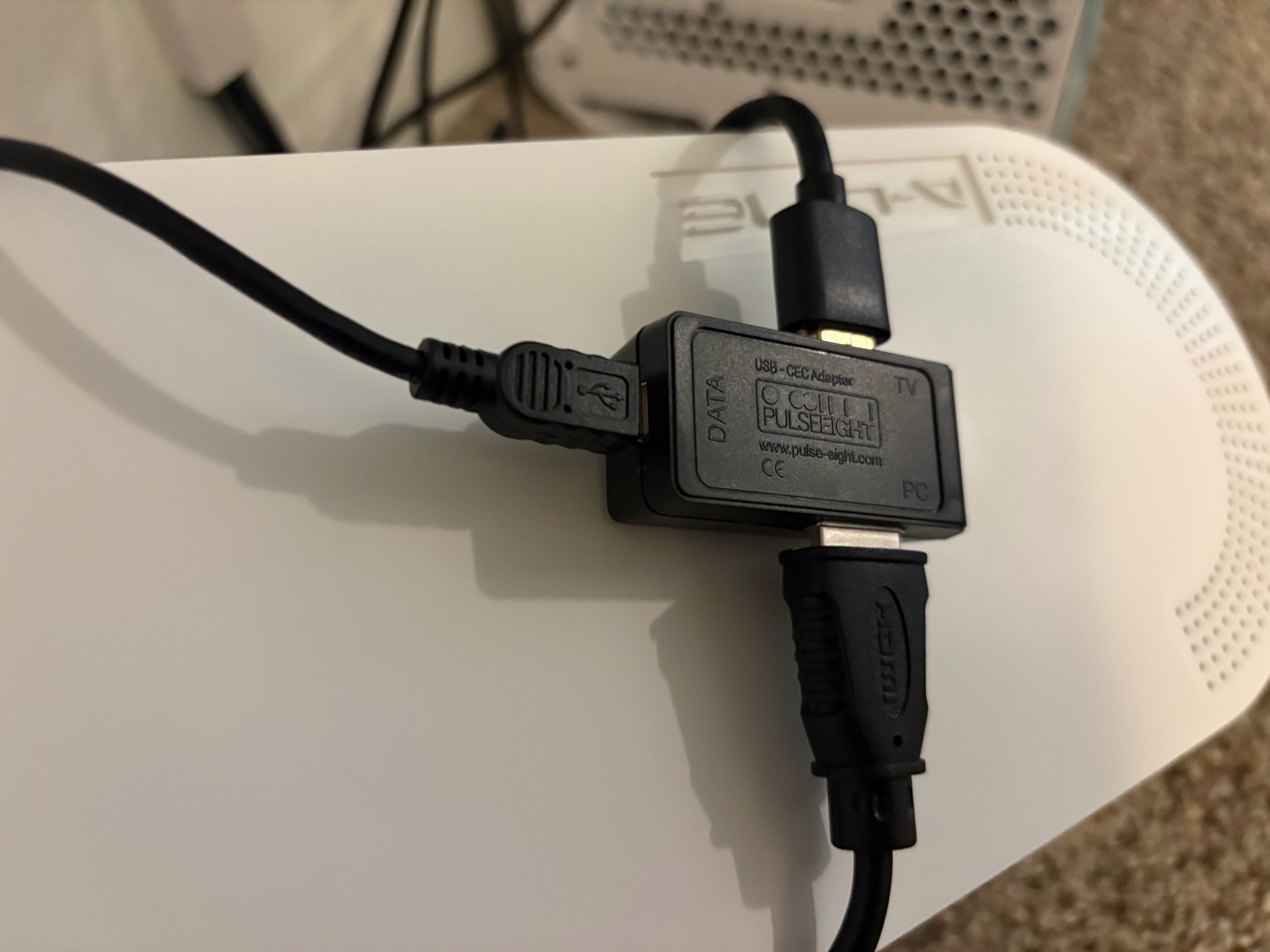
After some research, I discovered that a UK company I’d never heard of: Pulse-Eight, actually has just the product. They sell a USB-CEC Adapter that allows your PC to send commands to your CEC supported TV via USB. This seems like it’d fit the bill perfectly, so I went ahead and impulsively purchased it one morning on my phone while at the gym.
Testing & Debugging
It arrived surprisingly fast given the distance. I believe it came about 6 days later on a Saturday. After getting dinner with some friends, I hurried home to unpack it and set it up.
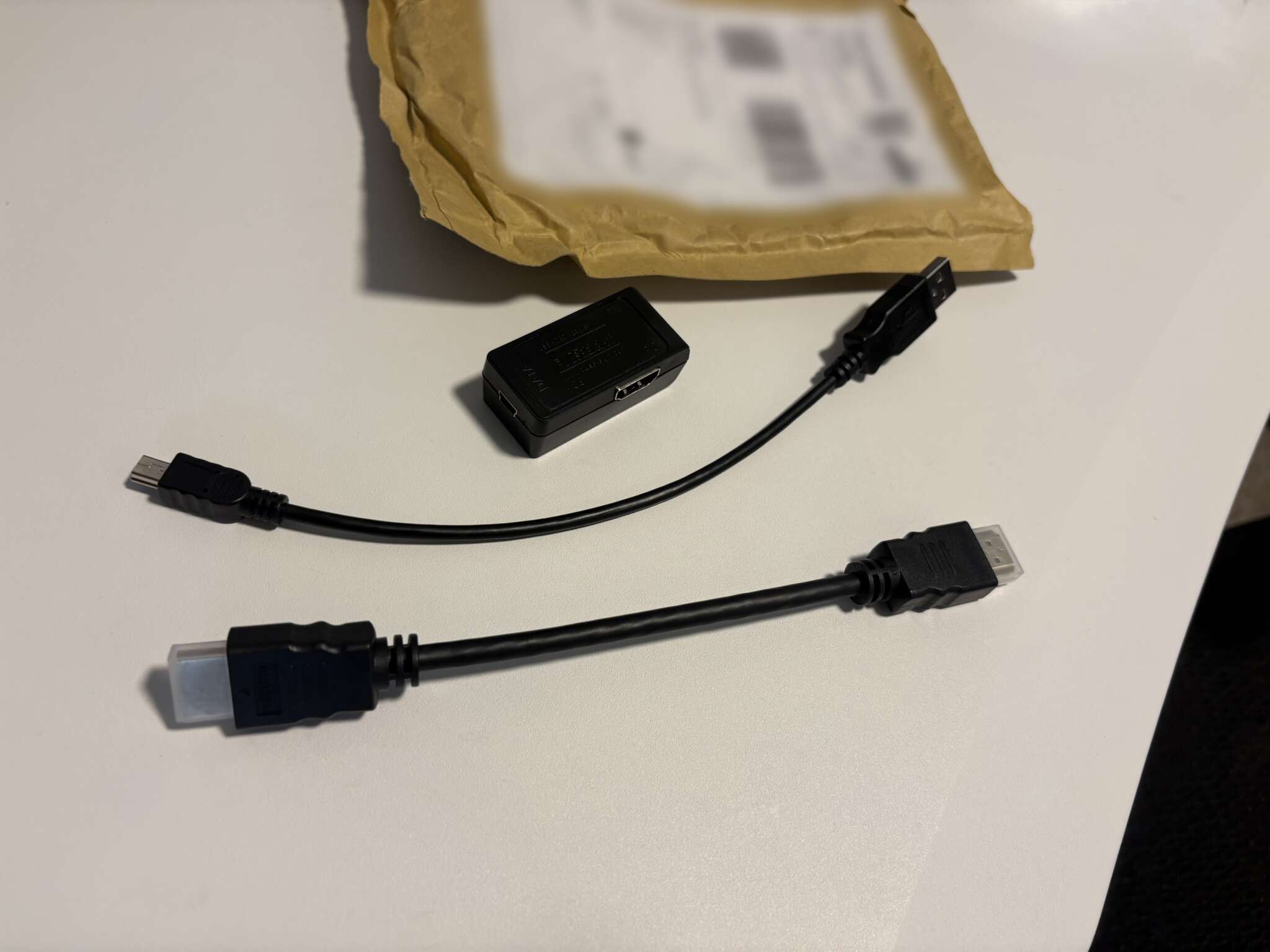
It came in an unassuming brown package, which included the device itself, a mini USB cable, and an extra HDMI cable. The device sits between the GPU of my PC and my TV, tucked away in the hidden cable box I have.
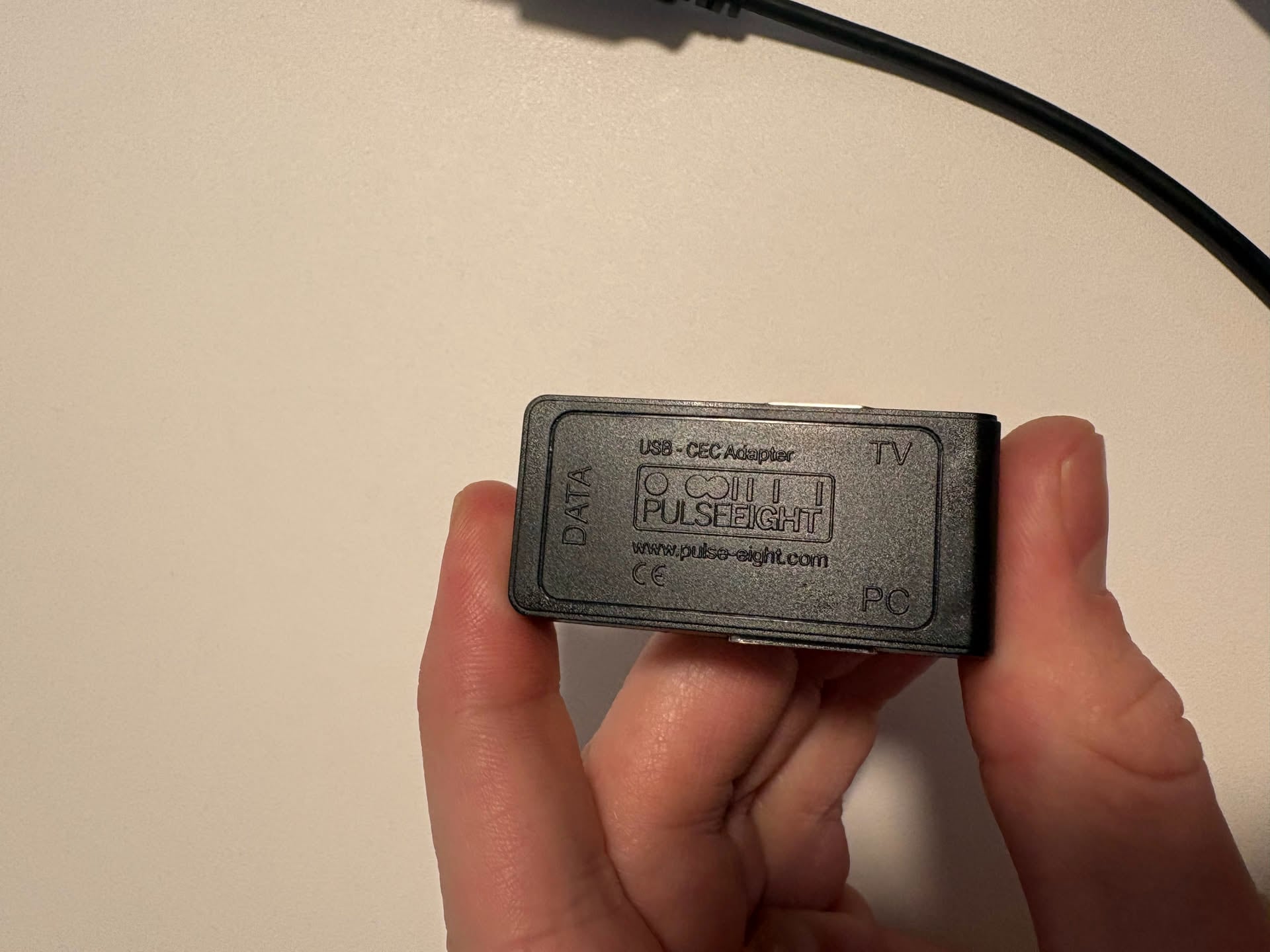
As far as software goes, Pulse-Eight has an impressive open-source ecosystem. Their libcec library and more are all right there on GitHub.
After getting everything plugged in, I went ahead and installed their CEC Tray software. I updated the firmware, ensured everything was displayed correctly on my TV, opened the tray application and then…
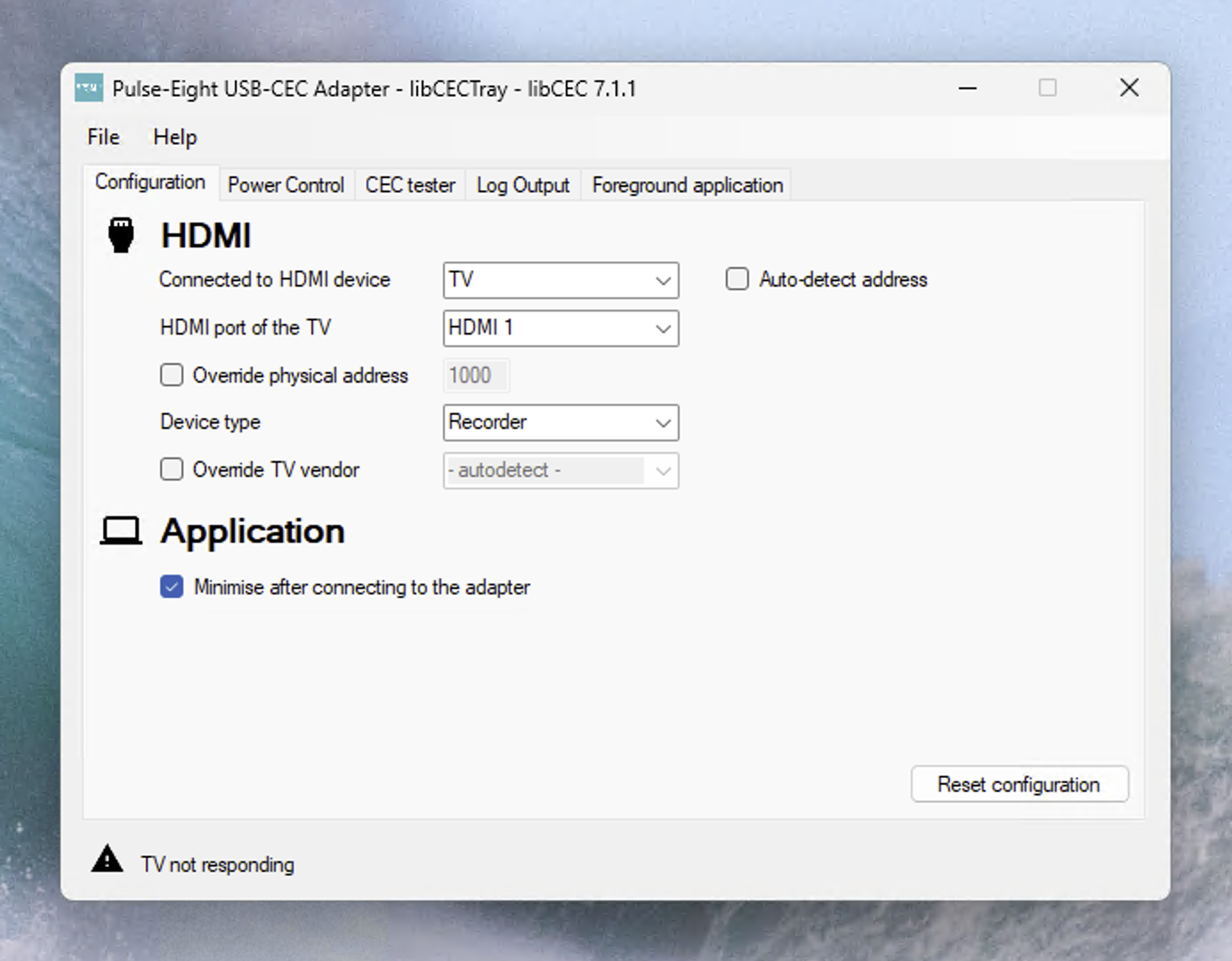
“TV not responding”! - Looks like the TV was not getting detected.
I won’t draw out the drama. Apparently, the HDMI cable I used between the device and my TV (not the cable they bundled with it, that was too short for my setup) seemed to be missing the “CEC Pin” necessary for this technology to work. Swapped out that cable, and everything got detected and worked.
Configuring
Poking around in the settings, the CEC Tray application itself was impressively configurable. Not that much needed configuring anyway. I figured I’d use something like AntiMicroX to map some keybinds to my controller, set up sane defaults, and call it a day.
What I ended up finding was that good ol’ Kodi (a name I hadn’t heard in what feels like 10 years) actually provides the ability to configure the USB-CEC Adapter from within Kodi itself.
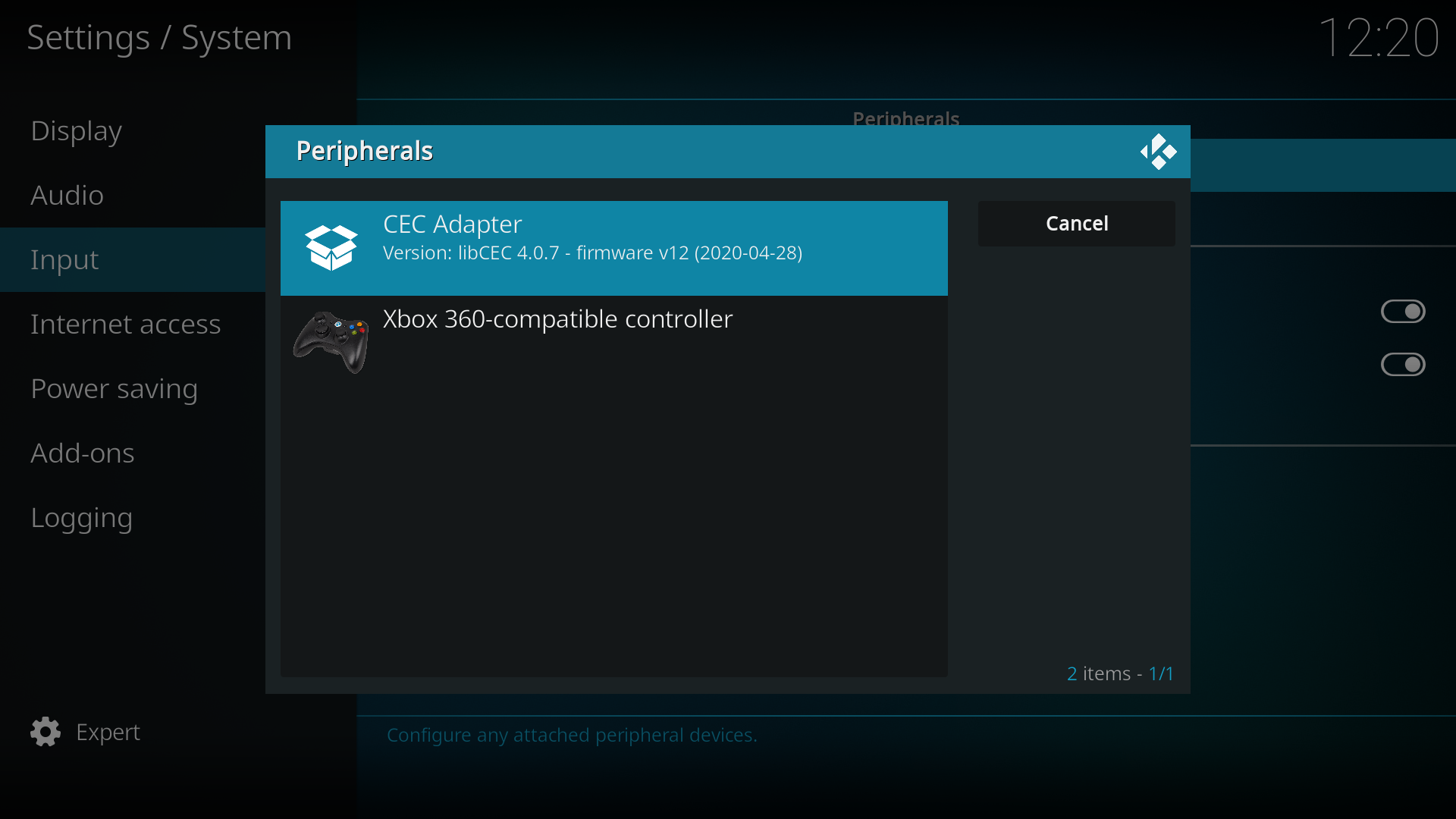
This was incredibly convenient, and honestly really neat. I could play with the options and toggle things from within the interface using my controller, instead of having to RDP in every time. Also, if I standardized on Kodi as the launcher, I could easily use it to run other services and scripts such as Windows Explorer, changing audio sources, and anything I could shove in their documented favorites file. Sticking with Playnite as the launcher would have been fine, but it’s a simple switch. I can just launch Playnite from Kodi just as easily.
Final Thoughts
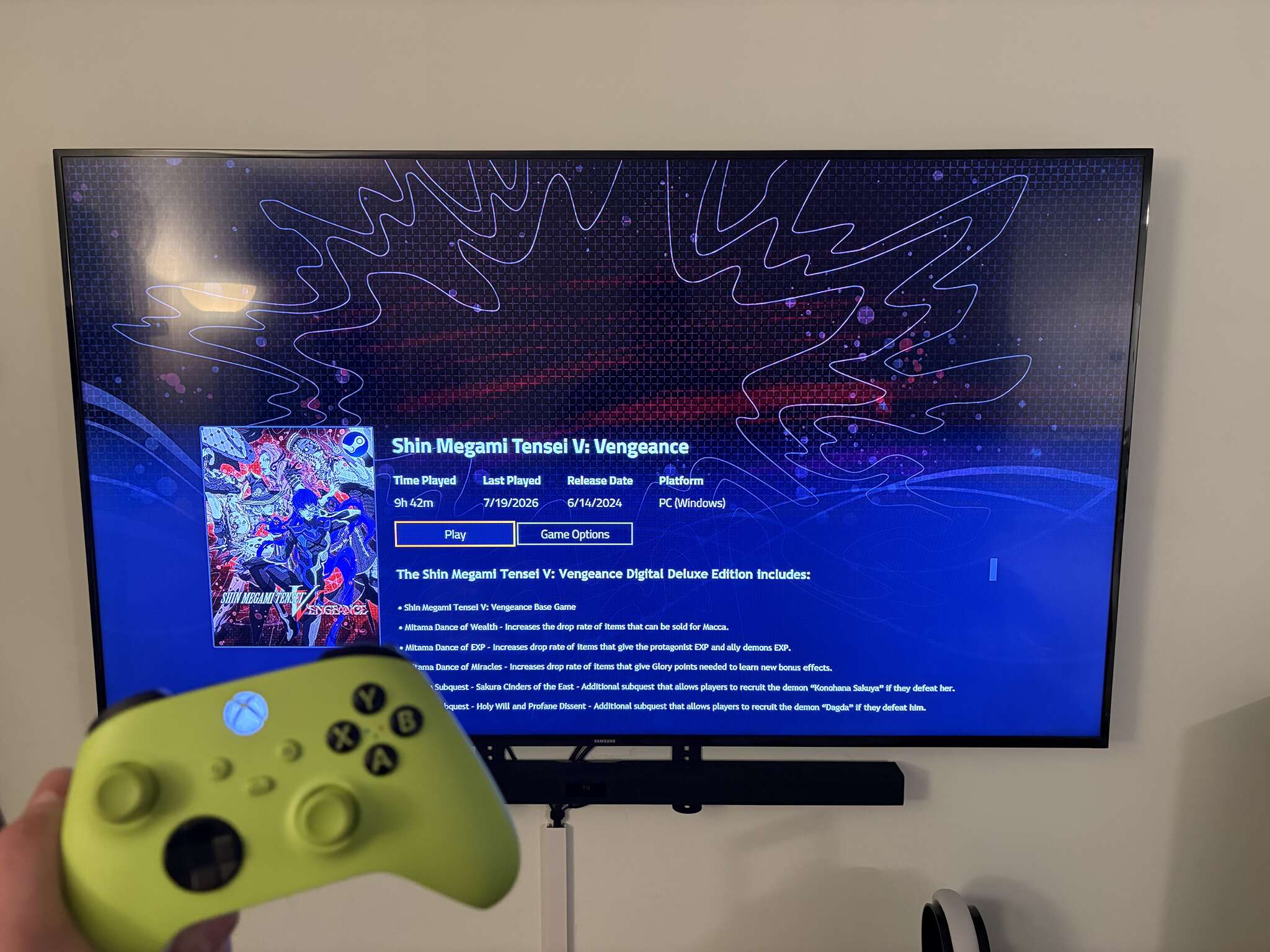
Since I set it up, the Pulse-Eight USB-CEC Adapter has genuinely just worked. Smashing buttons on my Xbox controller turns on my TV, and there’s plenty of room for me to get more creative with automation down the line, maybe even some Home Assistant hooks.
I joked at the beginning of the post that I was “over-complicating” this, but really; this is one of those things that “feels” better. It’s less mental friction and fewer remotes to dig out of the couch, and I learned a bit in the process.
All Ansible IaC written for this is available publicly on GitHub.